|

DWGSee CAD Batch Corner: Fix Gapped Offset Corners for Separated LINE Objects in One Click

Every CAD drafter encounters a repetitive, time-consuming issue in daily 2D drafting: offsetting separate independent LINE segments to create layered angular profiles, wall details, structural sections, or sheet metal bend shapes. Unlike polylines that retain connected corners after offset, disjointed LINE pairs always produce open, gapped corners with misaligned endpoints. This universal CAD flaw creates…
|

How to Handle DGN References During DGN-to-DWG Conversion?

When converting DGN files to DWG, managing external references (DGN attachments or linked resources) is critical to ensure data integrity. Below are step-by-step solutions: 1. Pre-Conversion Preparation 2. Use Professional Conversion Tools Select a tool with robust reference-handling capabilities: 3. Post-Conversion Checks 4. Advanced Workarounds Key Tip Always retain the original DGN file (as previously advised) as a backup…

How to Open a DGN file?

How to Open a DGN file?

To open a DGN file (Bentley MicroStation’s native format), follow these methods based on your available tools and needs: 1. Use Bentley MicroStation (Official Software) Best for full editing and compatibility. 2. Free DGN Viewers (View-Only Access) Ideal for viewing without editing. Option A: Bentley View Option B: MicroStation PowerDraft (Free) 3. Open in AutoCAD…

How do I convert DGN to DWG without references?
|

How do I convert DGN to DWG without references?

To convert a DGN file to DWG without carrying over external references (xrefs), follow these steps based on your available tools: Method 1: Using MicroStation (Recommended) Method 2: Using AutoCAD (If MicroStation Isn’t Available) Key Tips for Success By following these steps, you’ll ensure the DWG file is self-contained and free of external dependencies.

Why can’t I open a DGN file in AutoCAD?
|

Why can’t I open a DGN file in AutoCAD?

There are several reasons why you might be unable to open a DGN file directly in AutoCAD. Here’s a breakdown of common causes and solutions: 1. AutoCAD Version Limitations 2. File Corruption or Incompatibility 3. Missing Permissions or File Path Issues 4. Incorrect Method of Opening 5. Third-Party Plugin Conflicts 6. AutoCAD Trial/Student Version Restrictions Step-by-Step Troubleshooting: By addressing these issues,…

How to Convert dgn to dwg?
|

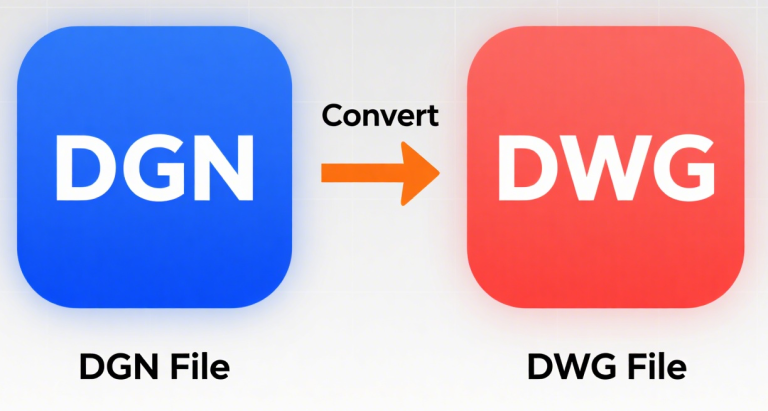
How to Convert dgn to dwg?

To convert a DGN file (MicroStation format) to DWG (AutoCAD format), follow these steps based on your available tools: Method 1: Using AutoCAD Method 2: Using MicroStation Method 3: Using Third-Party Tools Tips for Successful Conversion Common Issues & Fixes Choose the method that fits your workflow. For occasional use, AutoCAD/MicroStation import/export works. For frequent…